UPI Deposits, Gogo Rummy
Clear answers on upi deposits for gogo rummy, checked against the live platform and updated when it changes.
What Is UPI Deposits?
UPI, Unified Payments Interface, is a real-time interbank payment system governed by the National Payments Corporation of India (NPCI). It lets you move money directly from your savings or current account to any UPI-enabled platform using nothing more than a UPI ID, a QR code, or a registered mobile number.
At Gogo Rummy, UPI is the fastest and most widely accepted way to fund your game wallet. Because UPI operates 24 hours a day, 365 days a year, you can add chips at midnight before a tournament or top up mid-session without waiting for banking hours. There are no intermediary wallets, no prepaid cards to load, and no separate registration, if you already bank in India and your bank supports UPI, your deposit method is ready to use right now.
Gogo Rummy accepts deposits through all major UPI apps, including Google Pay, PhonePe, Paytm UPI, BHIM, and any banking app that carries the UPI mark. The transaction is authorised by your own bank's two-factor PIN, which means Gogo Rummy never sees or stores your bank credentials at any point in the process.
UPI Deposits Step by Step
- Open the Gogo Rummy app and go to Add Cash. Tap the wallet icon or the Add Cash button on your home screen. This takes you to the deposit flow inside the app.
- Enter the amount you want to deposit. Type the exact rupee amount you wish to add to your Gogo Rummy wallet. Check any active bonus offers before confirming the amount, because some promotions apply only above a certain deposit threshold.
- Choose UPI as your payment method. Select UPI from the list of available payment options. You will then see sub-options: UPI ID, QR code, or app-to-app redirect (for supported apps such as Google Pay and PhonePe).
- Enter your UPI ID or scan the QR code. If you choose UPI ID, type the VPA (Virtual Payment Address) linked to your bank account, for example, yourname@oksbi or yourname@ybl. If you prefer QR, open your UPI app, tap Scan, and point it at the Gogo Rummy QR displayed on screen.
- Authorise the payment in your UPI app. Switch to your UPI app when prompted. Review the payee name and amount, then enter your six-digit UPI PIN. Never share this PIN with anyone, including Gogo Rummy support staff.
- Wait for confirmation on both ends. Your UPI app will display a success screen and your registered mobile number will receive an SMS from your bank. The Gogo Rummy app will simultaneously reflect the credited amount in your game wallet, typically within seconds.
- Start playing. Once the wallet balance updates, your chips are available immediately for cash tables, tournaments, and practice rooms.
UPI Deposits Safety and Timing
Security
Every UPI transaction is protected by two layers of authentication: the device binding that links your UPI app to a single SIM, and the UPI PIN that only you know. Gogo Rummy's payment gateway encrypts all transaction data in transit using TLS 1.2 or higher. The platform is PCI-DSS compliant, which means it is regularly audited against the global standard for payment security.
Keep your UPI PIN private. Gogo Rummy will never ask for your PIN, OTP, or bank password, through the app, by SMS, or over a phone call. Any message requesting this information is a phishing attempt and should be reported to NPCI's helpline at 1800-120-1740.
How Long Deposits Take
Successful UPI transactions settle in real time. In the vast majority of cases your Gogo Rummy wallet balance updates within five to ten seconds of your bank confirming the debit. Occasional network delays between banks and the NPCI switch can extend this to two or three minutes during peak hours.
If Your Wallet Has Not Updated
Check your bank SMS or your UPI app's transaction history first. If your bank confirms the debit but the Gogo Rummy wallet has not updated within ten minutes, do not retry the payment. Retrying a pending transaction can result in a duplicate debit. Instead, note the twelve-digit UTR (UPI Transaction Reference) number shown in your bank SMS or UPI app history, then reach Gogo Rummy's customer support team through the official contact details listed in the app's Help section.
Share your registered mobile number and UTR when you write in, this lets the support team trace the transaction with the payment gateway and credit your wallet or initiate a refund without any manual guesswork.
Refunds
If a UPI transaction is debited but fails on the Gogo Rummy side, NPCI's auto-reversal mechanism returns the amount to your bank account within one to five business days. You can track the status of the reversal through your bank's UPI dispute portal or by calling your bank's customer care line directly.
How UPI Deposits Works
Understanding the payment flow behind a UPI deposit helps you troubleshoot confidently and choose the fastest path to your game wallet.
The Four-Party Architecture
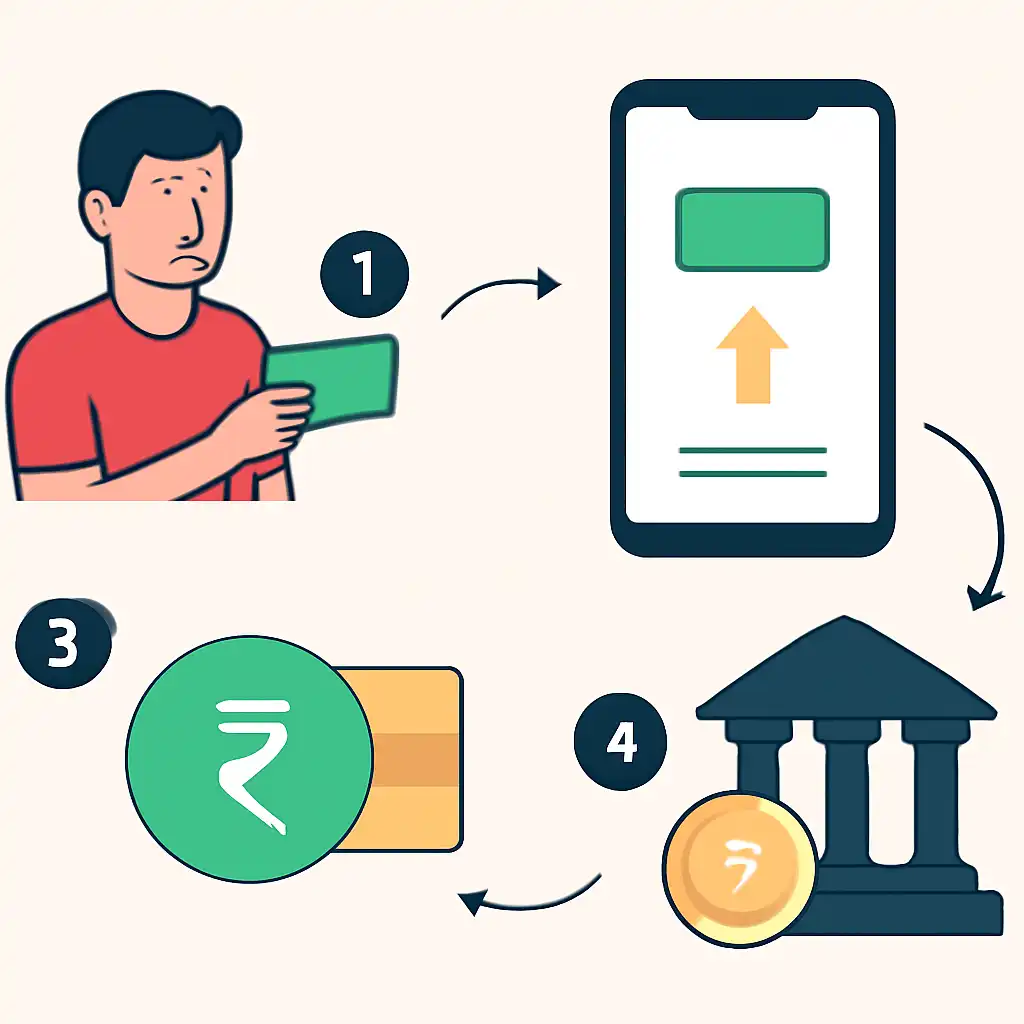
Every UPI transaction involves four parties: your bank (the remitter bank), the NPCI switch that routes the instruction, Gogo Rummy's acquiring bank, and the payment gateway that sits between the acquiring bank and the Gogo Rummy platform. When you enter your UPI PIN and confirm, the following sequence happens in well under a second:
- Your UPI app sends a digitally signed collect or pay request to your remitter bank.
- Your bank verifies the PIN against the secure element on your device, checks your available balance, and sends an authorisation message to the NPCI switch.
- NPCI routes the authorised instruction to Gogo Rummy's acquiring bank.
- The acquiring bank notifies the Gogo Rummy payment gateway, which triggers the wallet credit in the Gogo Rummy backend.
Because all four parties communicate over NPCI's encrypted IMPS rails, the settlement is final and irreversible once your bank confirms it. This is why UPI deposits, unlike card payments, do not sit in a "pending" state, the money either arrives or it does not, and your bank SMS tells you definitively which outcome occurred.
VPA vs QR Code vs App Redirect
Entering a VPA (UPI ID) manually works with every UPI-enabled bank app and is the most universally compatible method. Scanning a QR code is functionally identical but faster if you are depositing on a second device, for instance, scanning from your phone while the Gogo Rummy session runs on a tablet. App-to-app redirect (the "Pay with Google Pay" or "Pay with PhonePe" button) uses the Intent API to deep-link directly into your UPI app, pre-filling the payee and amount so you only need to enter your PIN.
Deposit Limits
NPCI sets a per-transaction UPI limit of ₹1,00,000 for most banks, though some premium account holders are permitted higher limits at their bank's discretion. Gogo Rummy applies its own minimum deposit threshold, which is displayed in the Add Cash screen at the time of your transaction. If you need to add an amount above a single UPI transaction limit, you can complete two or more separate transactions, each will credit your wallet independently.
No Third-Party Wallets Required
Unlike older prepaid wallet systems, UPI deposits on Gogo Rummy draw directly from your bank account. You do not need to maintain a balance in a third-party e-wallet, and there is no wallet KYC ceiling that might block a large deposit. The money moves bank-to-platform in a single hop, which is why the process is both faster and simpler than older payment methods.